Goal: Put your app on the internet so anyone can visit it.
What is Vercel?
GitHub stores your code. Vercel takes that code and puts it on the internet.
Every time you save new work to GitHub, Vercel picks it up automatically and updates your live site. You don't have to do anything — it just happens.
Step 1: Create a Vercel account
Verification
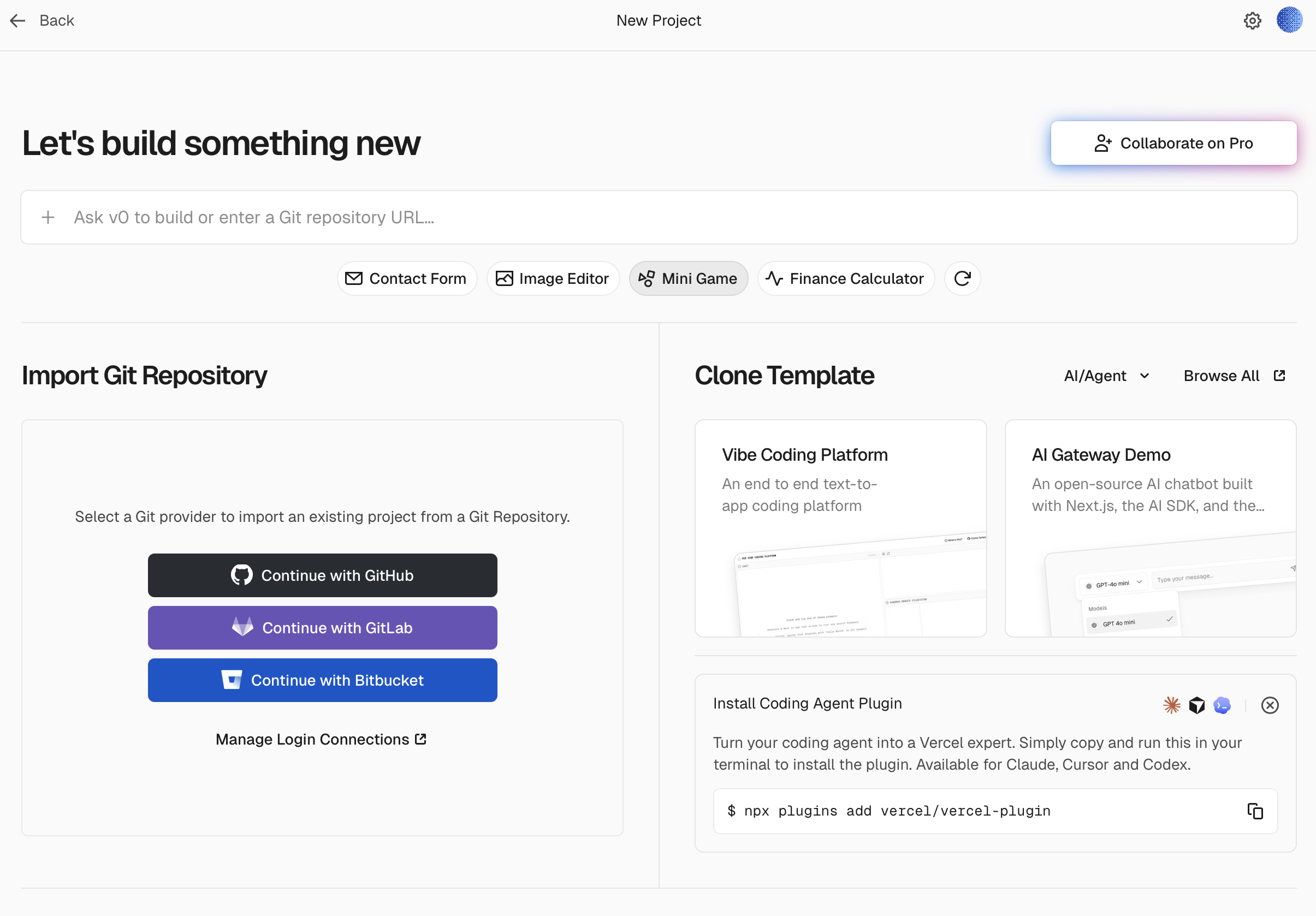
You'll come to a page that says "Let's build something new".
Step 2: Connect your project
Now you link your GitHub repository to Vercel so it knows which project to deploy.
Step 3: Go to Dashboard
Vercel will take a minute to build your project.
Step 4: Check if it works
That's it
From now on, every time you save new work to GitHub, Vercel will automatically update your live site. You push (to GitHub), it publishes (on Vercel). You never have to think about this step again.