Github
Goal: Save your project to GitHub so it's always backed up and the AI can do more for you.
What is GitHub?
Think of it as Google Drive for your code. Every time you save your work there, it keeps a full snapshot — so you can always go back if something breaks, and you can work from any computer.
This is what developers mean when they say "pushing to GitHub." You're uploading a save point.
Why do this now?
You just wrote your blueprint. That's the most important document in your whole project — it's what tells the AI exactly what to build.
Before you let AI write a single line of code, save that blueprint somewhere safe. GitHub is where we do this.
Step 1: Create a GitHub account
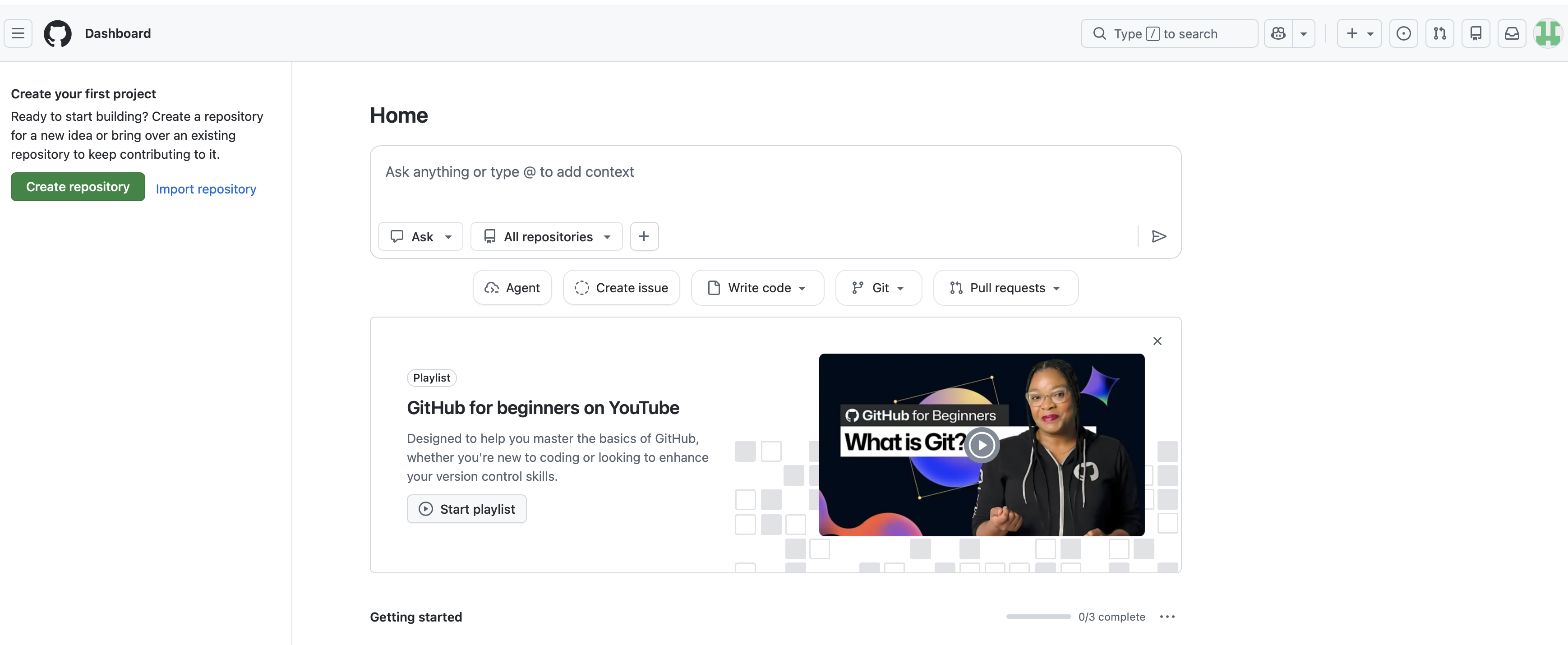
You can log in to GitHub and see your dashboard. It looks empty right now — that's fine.
Step 2: Connect your account
The AI will handle the technical bits for you. You only have to do one quick thing: connect your GitHub account when it asks.
Keep an eye on the blue button
When the AI starts setting up your GitHub, it might ask for permission to run certain commands. Just click the blue Run button (or Retry if it pops up) to let it continue.

Copy this prompt and paste it into your AI assistant.
I want to connect my project to GitHub. I have a GitHub account already. Here's exactly what to do —...
At one point the AI will ask you to open a link in your browser and click Authorize. This is how it connects to your GitHub account. Just follow what it says — it takes about 10 seconds.
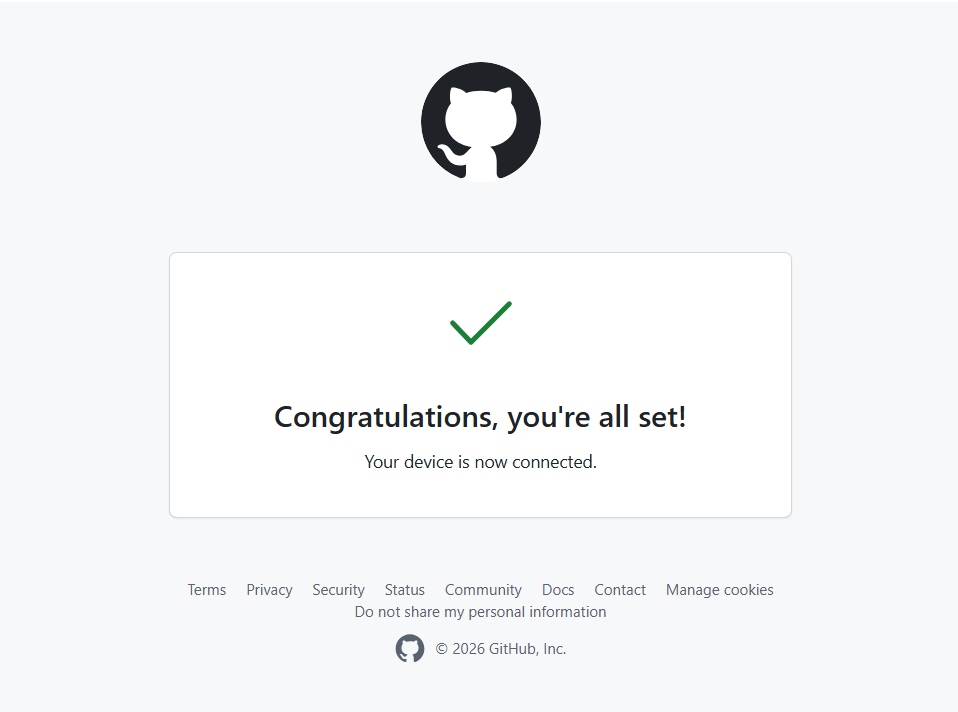
You've successfully authorized GitHub in your browser. You should see a "Congratulations" screen like the one below, and the AI will confirm it's connected.
Step 3: Save your project
Now that you're connected, let's create your repository and save your work.
Now that we're connected, handle the rest of the setup for me: Create a new private GitHub reposit...
Step 4: Check that it worked
Once the AI says it's done, go confirm it yourself.
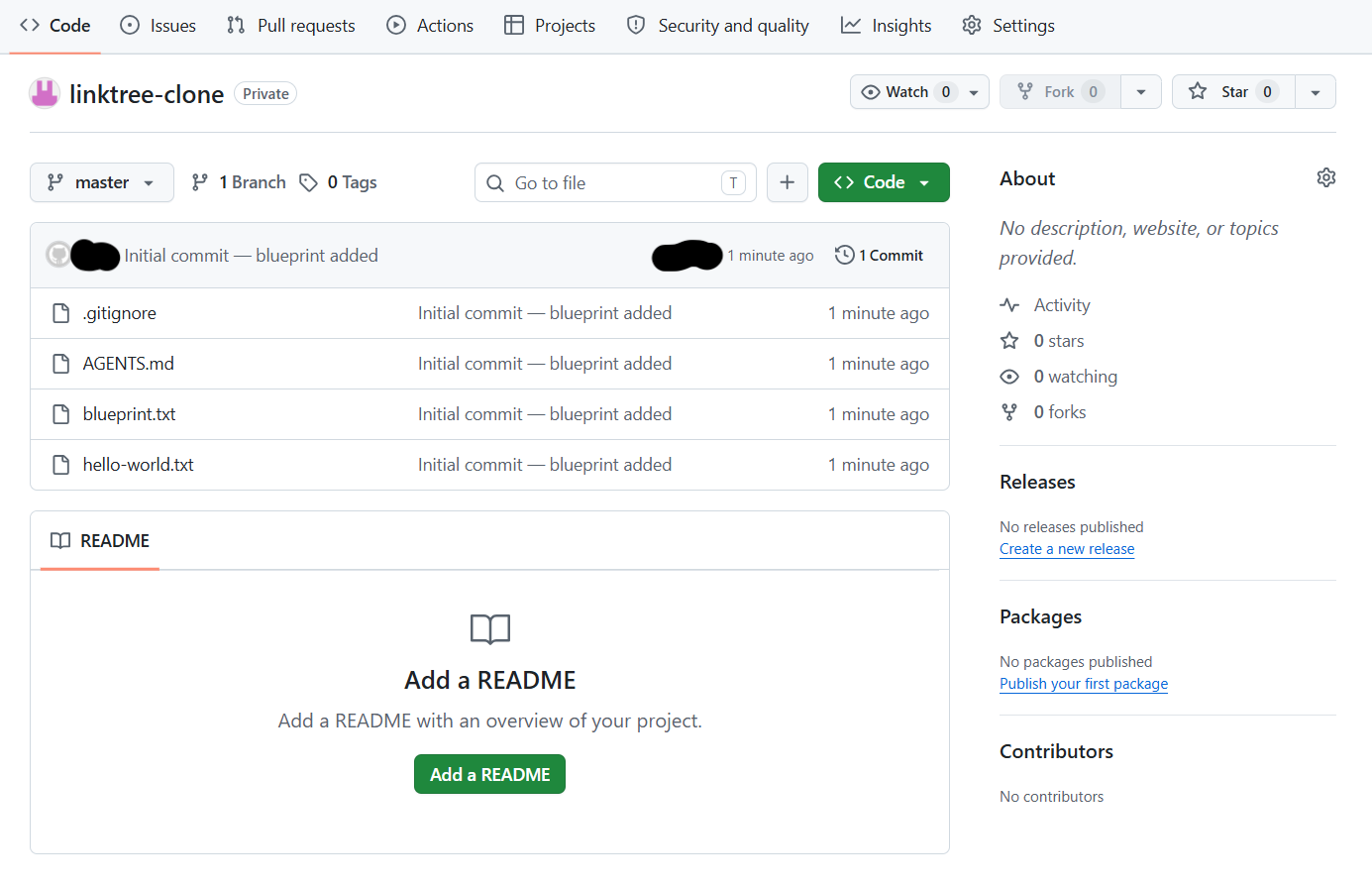
You can see your project files in your GitHub repository. You've just made your first save point.
Extra info: What is the AI actually doing?
When you ask the AI to save your project, it uses a tool called Git. It follows three simple steps to make sure your work is safe:
- Stage — The AI picks out which files have changed and need to be saved.
- Commit — It creates a "snapshot" of those files with a note about what was changed.
- Push — It uploads that snapshot to your GitHub account so it's safe in the cloud.